Tech Tip Tuesday: The Undo Shake
Did you know you can undo a mistake on your iPhone just by shaking it? Learn how to use this hidden feature to quickly fix typos and accidental deletions.

Have you ever accidentally deleted a paragraph of text, or pasted something in the wrong spot? It can be incredibly frustrating trying to fix it manually.
But your iPhone has a hidden feature that makes this effortless: Shake to Undo.
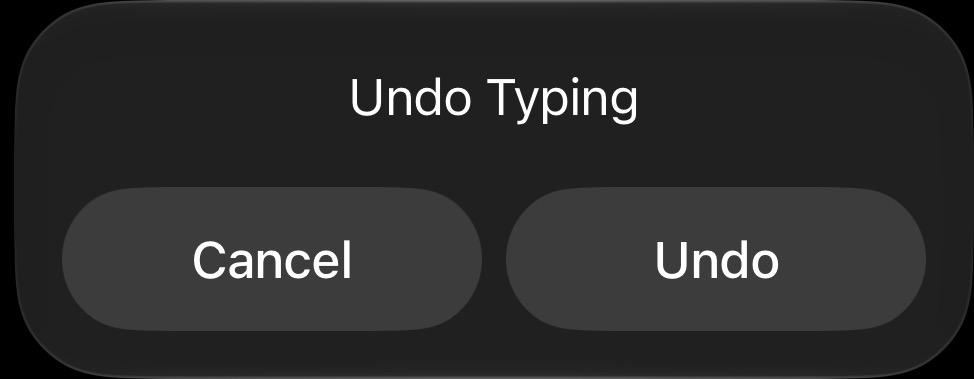
How to use it:
- If you make a mistake while typing, simply give your iPhone a quick shake.
- A pop-up will appear asking if you want to "Undo Typing."
- Tap Undo, and your text will be restored.
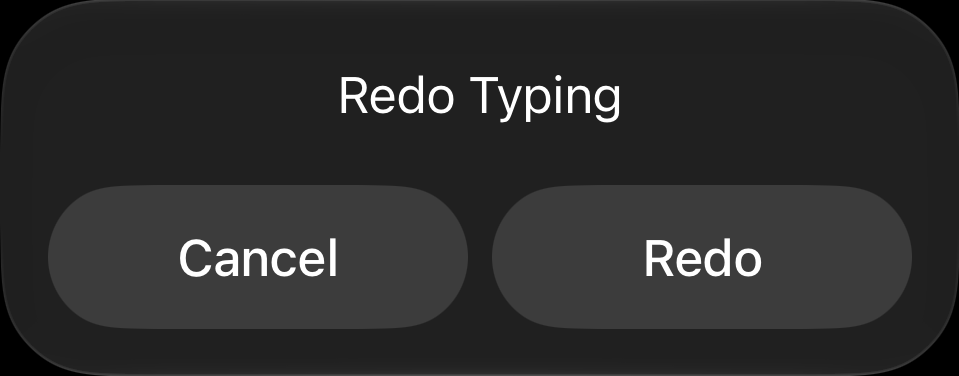
If you change your mind, you can shake it again to Redo. It feels a little silly the first time you do it, but it is one of the fastest ways to fix a mistake on the fly!