Turn Any Physical Card into an Apple Wallet Pass
Have a physical library or gym card that doesn't support Apple Wallet? Learn how to turn any barcode into a digital pass on your iPhone.

We all have that one physical card—a library card, a gym membership, or a local coffee shop loyalty card—that doesn't officially support Apple Wallet. You are forced to carry it around in your physical wallet just for that one specific barcode.
With the latest updates, Apple has finally fixed this. You can now create your own digital passes out of almost anything.
How to do it:
Open the Wallet app and tap the + button in the top right corner.
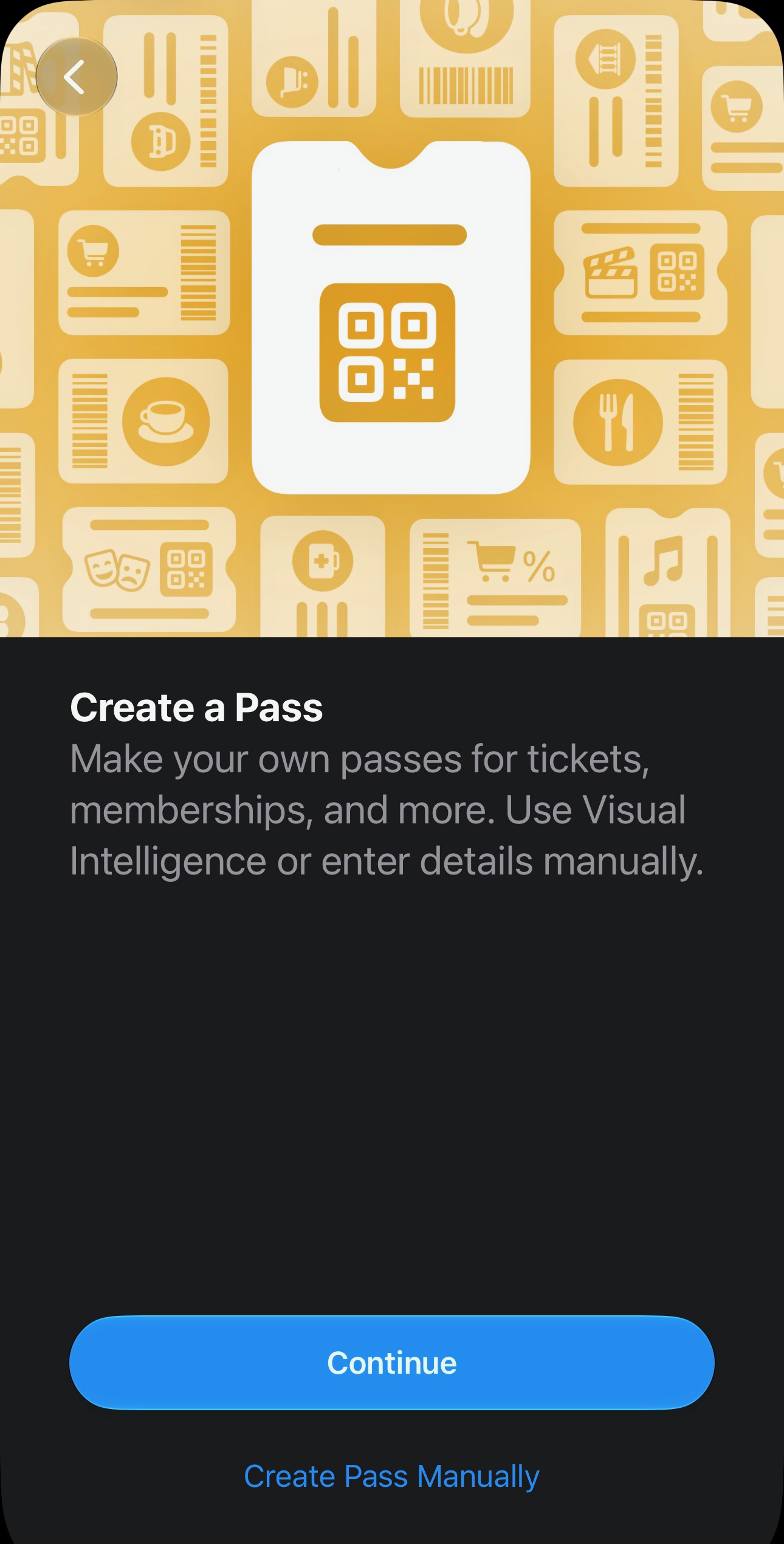
Tap Create a Pass.
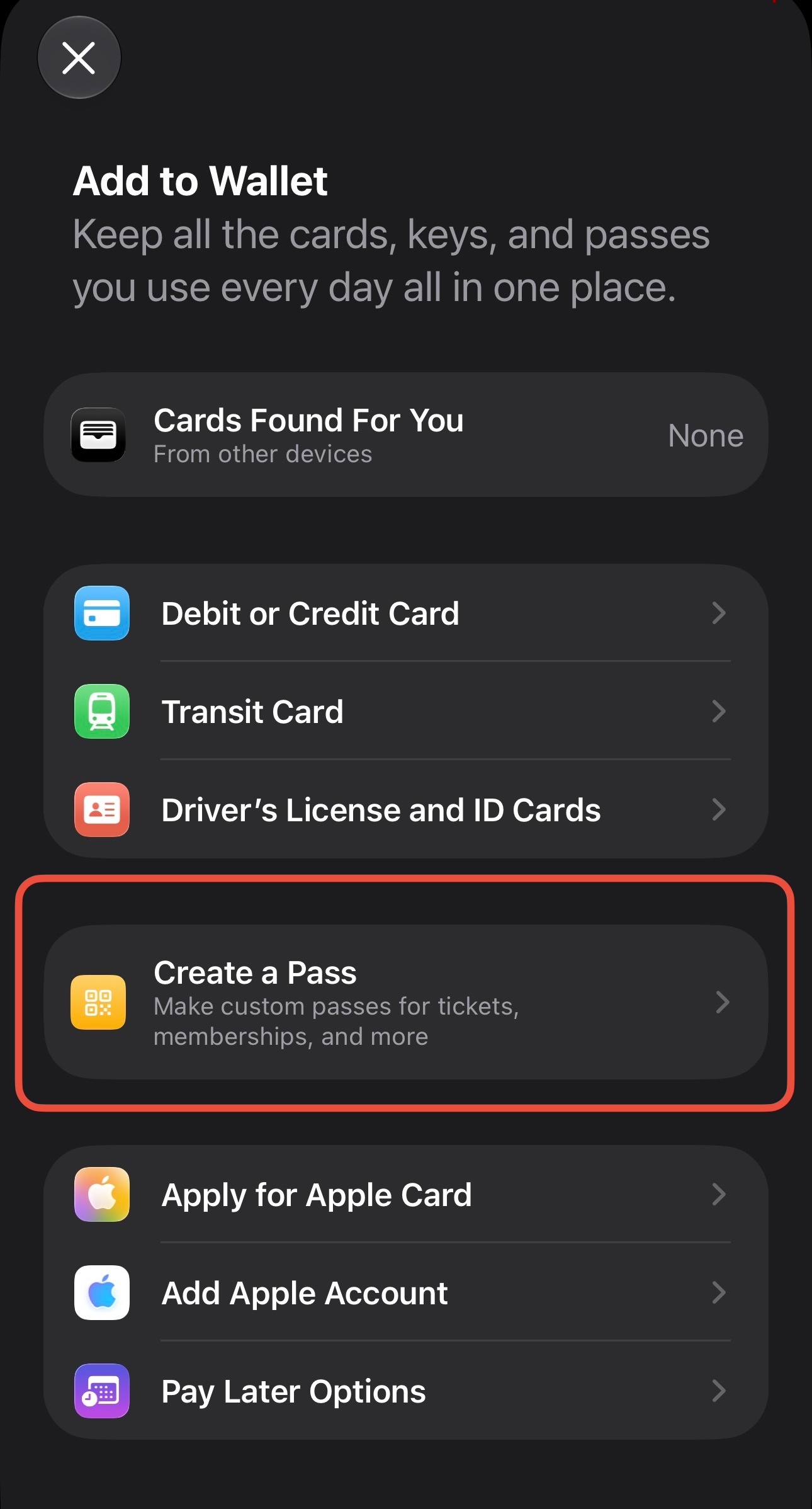
Choose to either scan your physical card with your camera or enter the details manually.
Select a template (Standard, Membership, or Event) and customize the colors or fields to your liking.
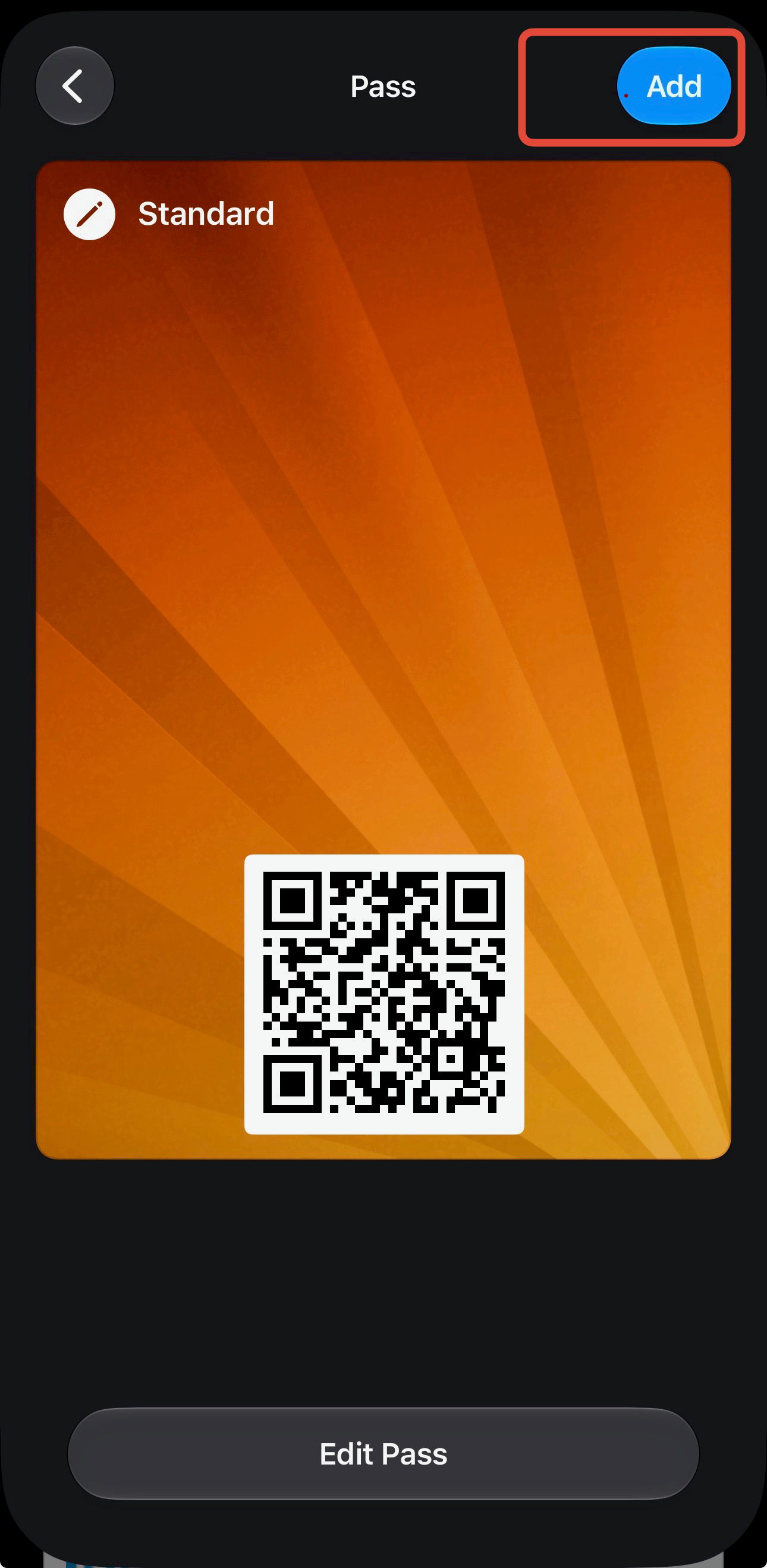
Once you save it, the pass lives right in your Apple Wallet stack alongside your credit cards and boarding passes, ready to scan whenever you need it.